
|
Do it yourself
| |||
| ||||


Replace the Battery in a Toyota Auris Key Fob
Model: Toyota Auris
E150
- Years 2007-2012
How to replace the battery in a Toyota Auris key fob? Follow these steps. Take your key fob and slide the button to release the metal key. Once extracted, use the key or a screwdriver to pry open the key cover. Pry until the two pieces separate, then use a screwdriver to remove the battery and replace it with a new one of the same size and voltage. Refit the cover onto the key fob until you hear it click into place. Finally, insert the metal key back into the key fob. Check the proper functioning of the key fob.
Updated on 28 February 2026 by ScegliAuto
Video tutorial
Related tutorials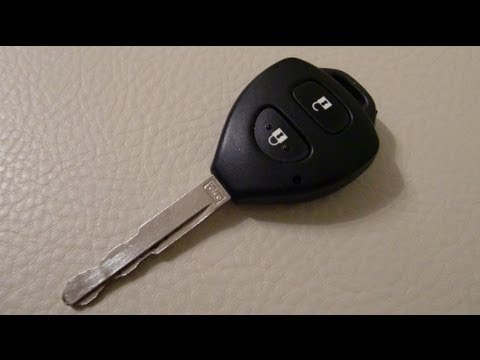
Toyota Auris
(2007-2012 /
E150)
Don't know how to replace the battery in your key fob? Here's how to replace the battery in the key on a Toyota Auris: take your key fob and, using a…

Toyota Auris
(2012-2018 /
E180)
Let's discover the process that will show us how to disassemble and replace the battery of the remote control key of the Toyota Auris. First, we take…

Toyota Auris
(2007-2012 /
E150)
When the battery of the Toyota Auris remote control runs out and it is no longer possible to open and close the doors, we need to replace it. On the …
Other guides you may be interested in
|
How to Remove the Door Panel from a Renault Clio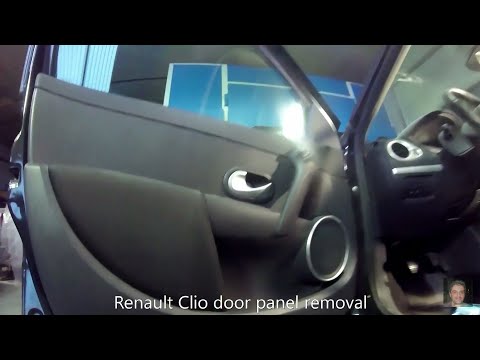
How to remove the panel from a Renault Clio? Don't worry, let's see together in this video how to proceed. Before starting the disassembly, disconnect the battery terminals located in the engine bay. Begin the disassembly: remove the plastic cover of the handle with a lever, then use a screwdriver to unscrew the internal door handle and the screws located there. Once removed, take out the window switch button, unscrew the internal door opening lever. Detach the door panel and disconnect the speaker. Be careful not to lose any of the clips behind the plastic panel you removed earlier. Replace the part and reassemble everything in reverse order. by ScegliAuto More videos
|
|
For advertising on this site Write to info@scegliauto.com
ScegliAuto is not responsible for any inaccuracy of the data in the lists. To report any inaccuracy or your business (if you own the business in question), please write to info@scegliauto.com
Number of seconds to generate the page: 0.116
(c) ScegliAuto 2026 - info@scegliauto.com - Privacy policy VAT number: IT01247470535 |
